 Hifinis

Everything Hifinis does
Built for people who care how their music sounds — and simple enough for everyone else.
🎧Bit-perfect sound
- Three output engines: Android, Native (Oboe, low-latency) and Exclusive USB
- Exclusive USB talks straight to your DAC — no Android mixer, no forced resampling
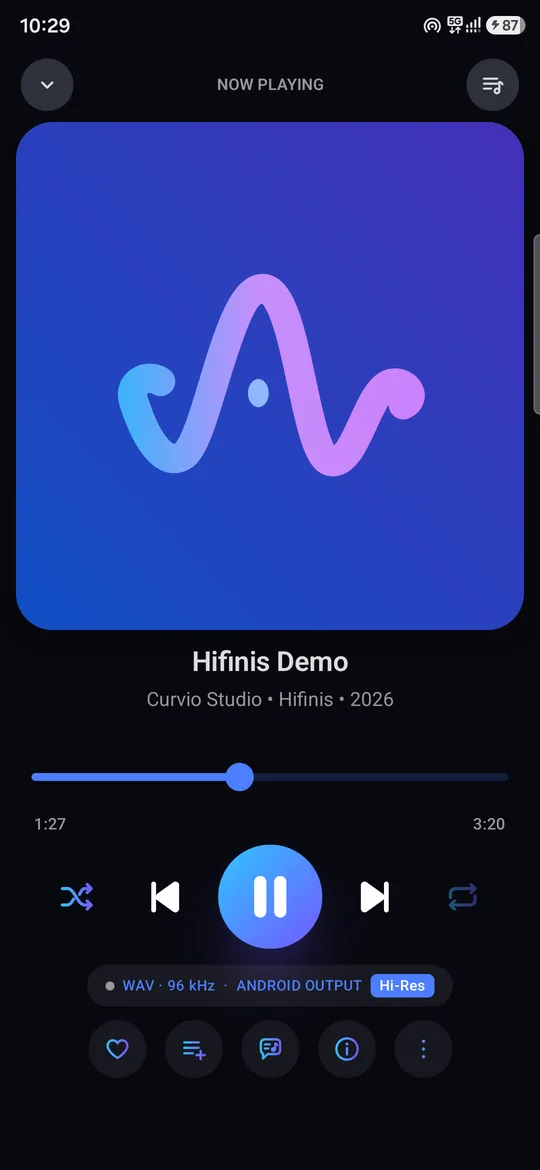
- Plays at the file's own sample rate, up to 384 kHz / 32-bit
- Picks the clean integer-multiple rate when the DAC lacks the exact one (44.1 → 88.2 kHz, not 48)
- Native DSD on DACs that support it
- Reads your DAC's real capabilities and shows them
🎚️Equalizer like no other
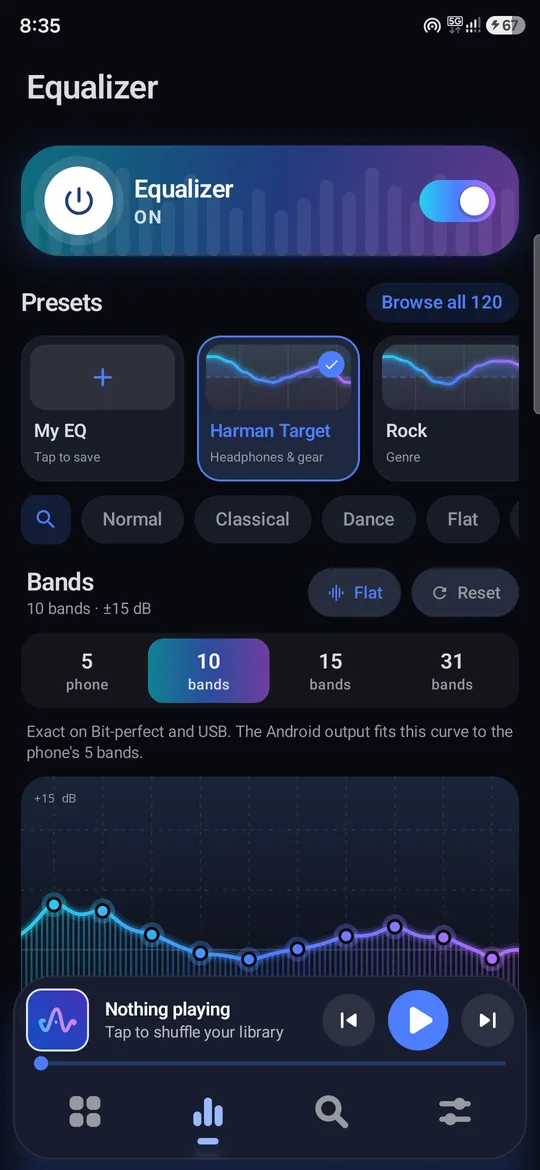
- Graphic EQ in 5, 10, 15 or 31 bands, ±15 dB
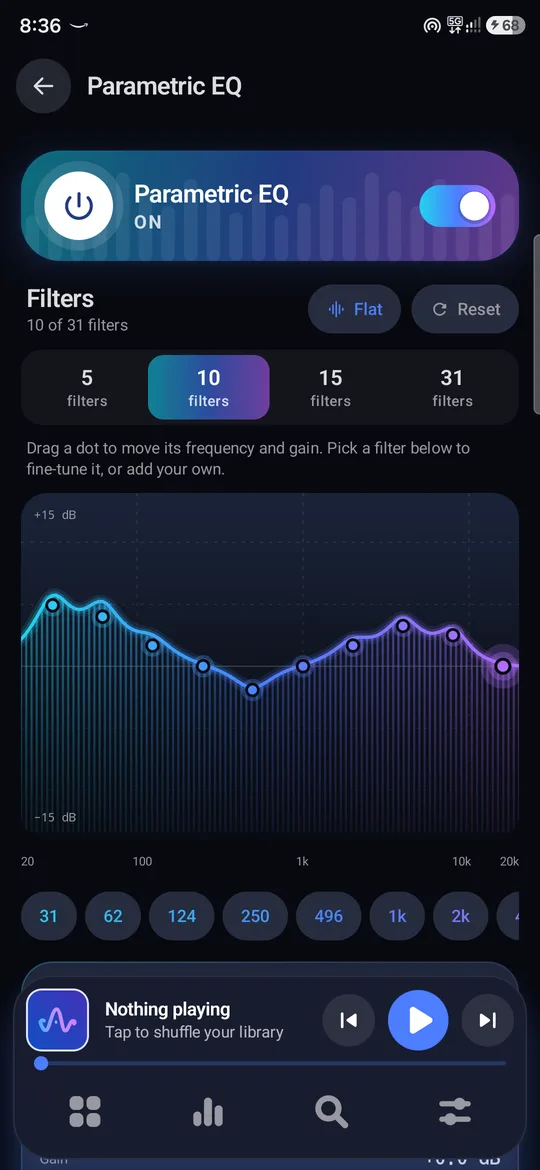
- Parametric EQ with up to 31 filters — drag the curve with your finger
- 120 presets incl. Harman Target and 20 Hifinis originals, searchable by name or by what they do
- Live spectrum while you tune
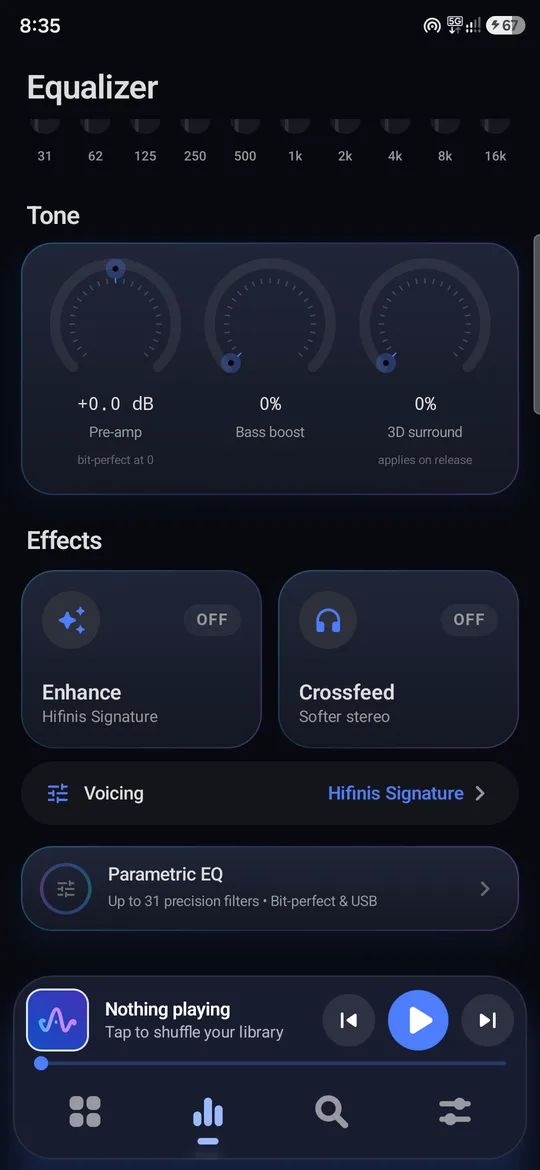
- Pre-amp, bass boost and 3D surround dials
- Works on bit-perfect and USB output, not just the phone speaker
✨Effects & voicing
- Hifinis Enhance — 100 voicings: warmth, air, bass shelf, vocal lift and more
- Crossfeed for softer, speaker-like stereo on headphones
- Reverb, spatial widening and L/R balance
- Per-output sound profiles — headphones, Bluetooth and DAC each keep their own settings
🔌Made for USB DACs
- Separate DAC volume in fine 1% steps, with a gentle fade-in so a hot output never blasts you
- Hardware volume keys control the DAC in exclusive mode
- Pauses when you unplug — never jumps to the speaker
- Plug back in and carry on with the same queue and position
▶️Playback & queue
- Gapless playback, crossfade and ReplayGain
- Smart shuffle that spreads out artists, plus repeat one / all
- "Keep playing similar songs" when the queue ends
- Queue suggestions, play next and add to queue
- A-B repeat, playback speed, sleep timer (by time or end of track)
📚A library that behaves
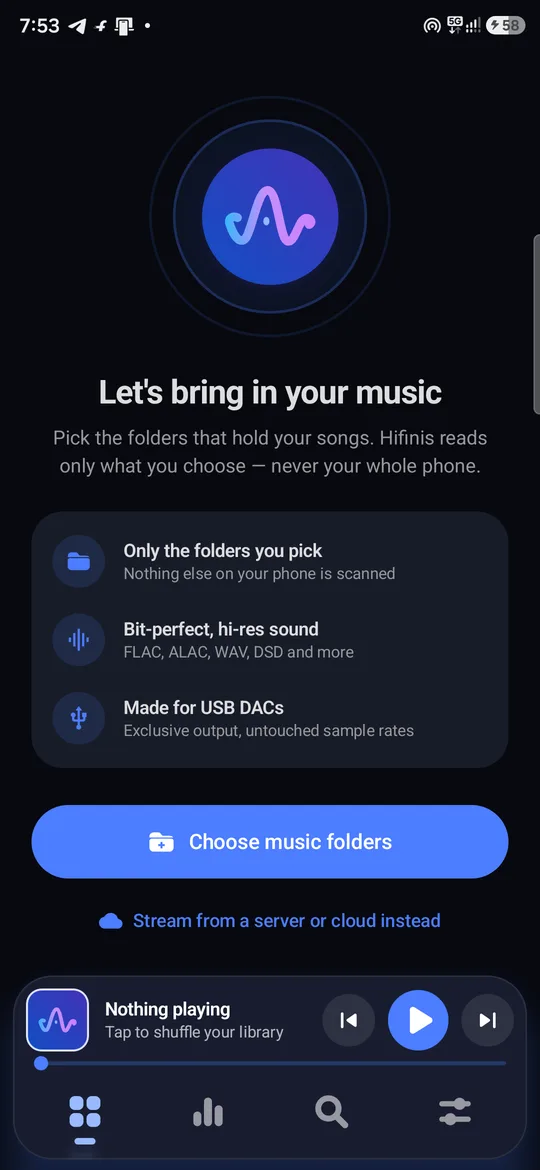
- Folder-based — Hifinis only sees the folders you choose
- Songs, albums, artists, genres, composers, years and folders
- Home feed with recently played, on repeat and made-for-you mixes
- Smart playlists and favourites
- Built-in tag editor, including album art
- Import / export .m3u, .m3u8, .pls, .xspf and .wpl playlists
- Fast full-text search across everything
🎤Lyrics
- Embedded and .lrc lyrics
- Online synced lyrics (LRCLIB) — optional
- Big-type, line-by-line synced view
- On-device translation into your language — works offline after setup
🎛️Audio Studio
- Cut and trim any song
- Multitrack projects with a mixer
- Record your own tracks
- Export to MP3 — your originals are never modified
🌐Your servers & radio (optional)
- Jellyfin, Emby, Plex and Subsonic / Navidrome
- SMB network shares, WebDAV / Nextcloud, DLNA / UPnP
- Internet radio
- Passwords are sealed with Android Keystore
🎨Looks & comfort
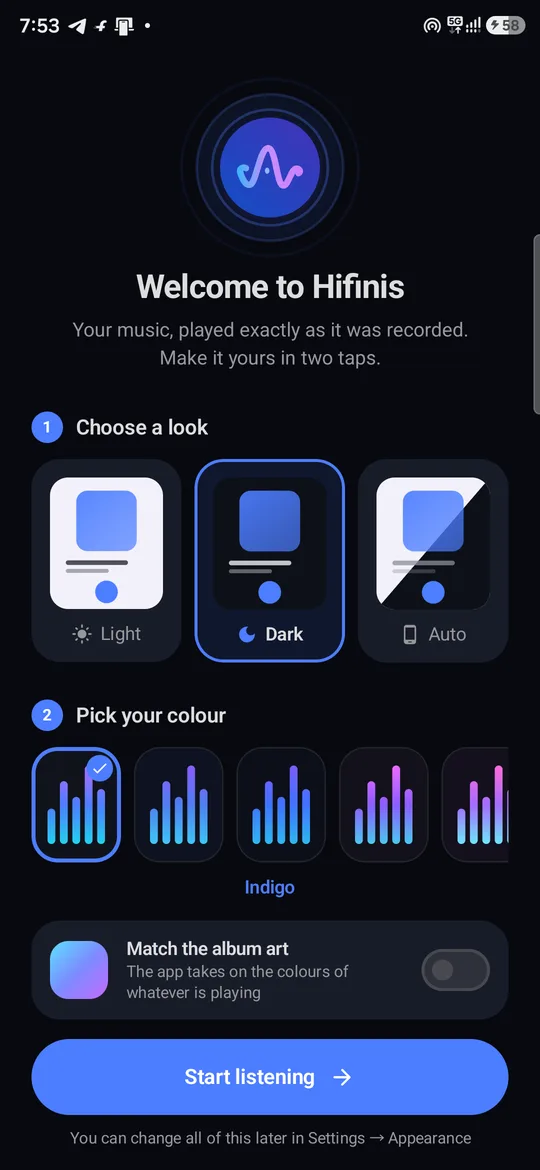
- 36 colour skins, light, dark and pure-black OLED
- Or let the whole app take its colours from the album art
- Motion that follows the music itself
- App zoom and font size controls
- Home-screen widget, lock-screen & Bluetooth controls, car mode, app lock
🔒Private by design
- No ads, no analytics, no account
- Your library, history and settings never leave your phone
- Backup & restore settings and playlists to a file you keep
- Read the privacy policy
🔄Always up to date
- Hifinis tells you when a new version is out
- One tap downloads and installs it
- Android verifies every update is signed by us
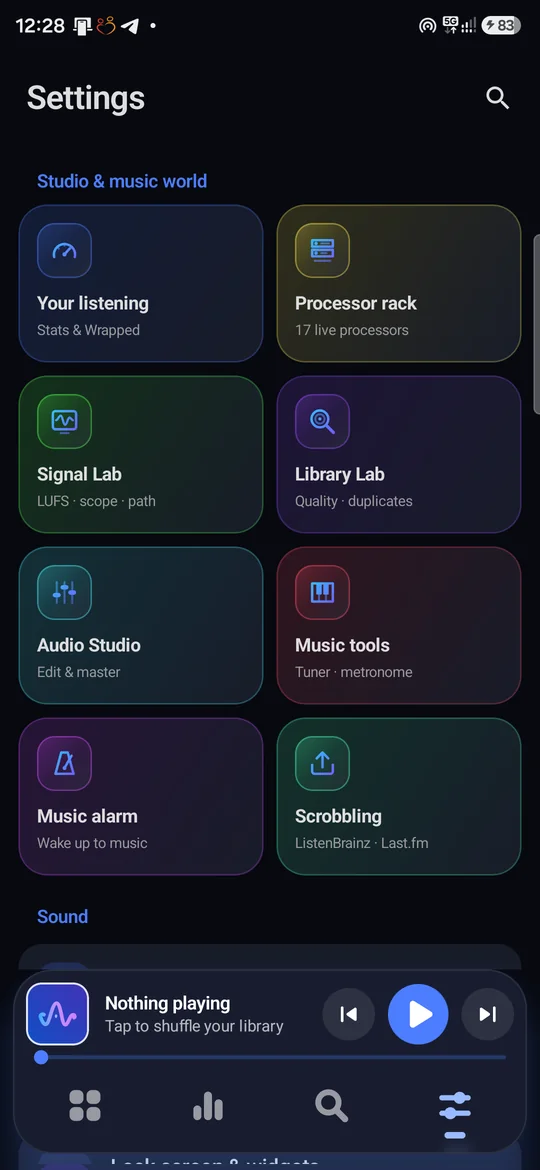
- Turn the check off any time in Settings → About
Formats
Install in a minute
Until the Google Play release, install it straight from here.
- Download
Open the latest release and tap Hifinis-…-arm64.apk (fits almost every phone). - Allow the install
Android asks once to let your browser or file manager install apps — allow it. - Install & open
Pick light or dark and a colour, then choose your music folders. - Stay updated
Hifinis tells you about new versions and updates itself. News: @curviostudio.
Questions
Which phones does it run on?
Android 8.0 or newer on 64-bit phones (almost every phone from the last several years). If the arm64 APK won't install, use the universal one.
Does it work with my USB DAC?
Hifinis works with standard USB Audio Class DACs and dongles. Exclusive USB mode plays bit-perfect at the file's own rate where the DAC supports it, up to 384 kHz / 32-bit.
Is my music uploaded anywhere?
No. Hifinis reads only the folders you choose and never sends your library anywhere. Optional online lyrics, artist images and the update check are explained in the privacy policy.
How do updates work?
Hifinis checks for a new release about twice a day and tells you. Tap Update now; it downloads and Android installs it. Updates must carry our signature, so a tampered file can never replace the app.
Where do I report a bug or ask for a feature?
Join the community at @curvio_community or email parivallalin@gmail.com.